 Toki
TokiThe workbeneath the output.
Toki makes the moving parts of AI-assisted work legible.
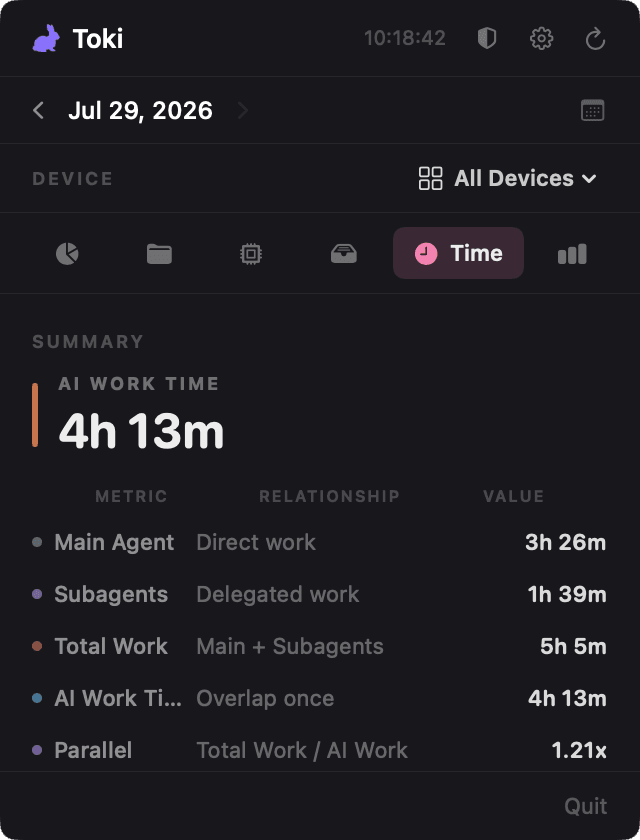
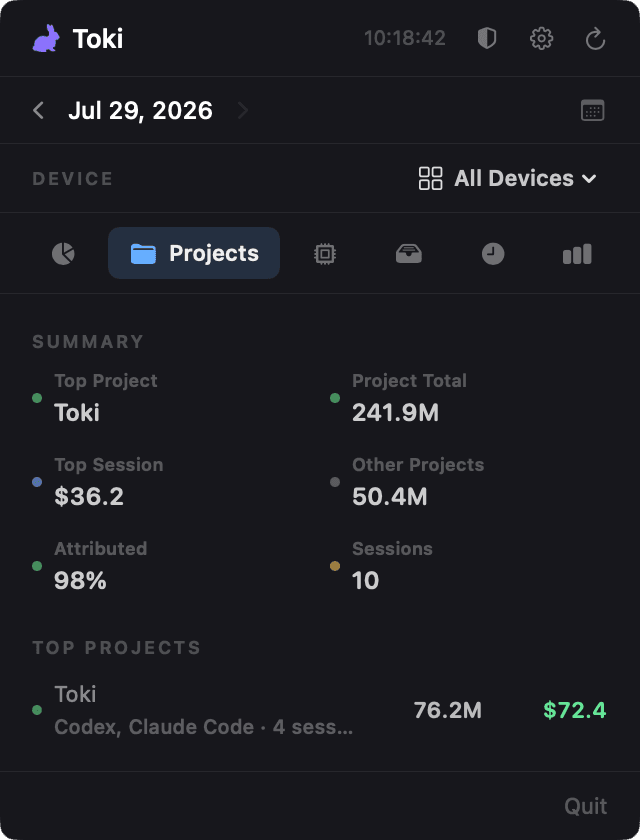
Track tokens, cost, project attribution, and the time agents actually spend working.
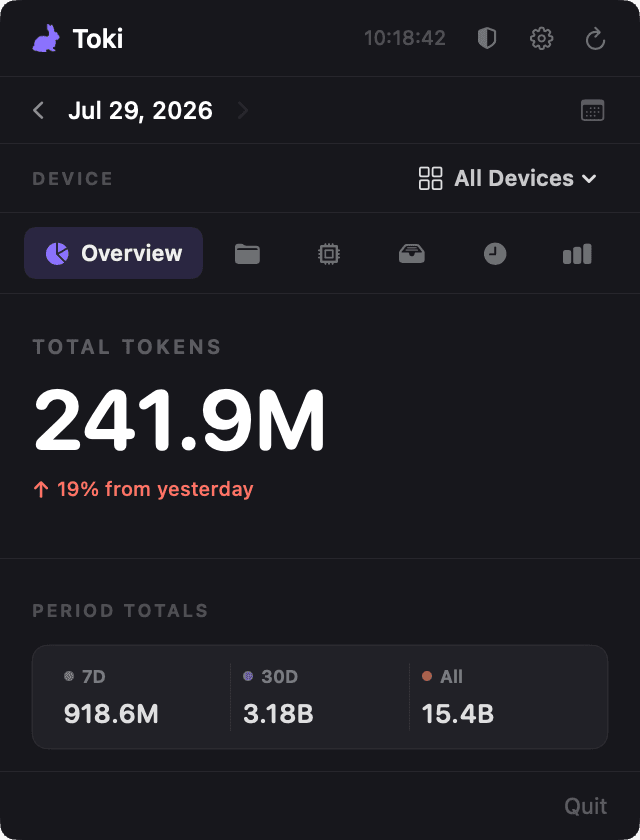
A total that knows what happened in parallel.
Toki distinguishes direct work, delegated work, and overlapping streams—then counts overlap once so AI Work Time means something useful.
- 4h 13mAI Work Time
Wall-clock time with overlap counted once.
- 1.21×Parallel multiplier
Total work divided by AI Work Time.
- DirectMain-agent work
The work on the primary stream.
- DelegatedSubagent work
Work occurring on separate streams.
The context stays close.
SIX FOCUSED VIEWS
ONE MENU-BAR HOME
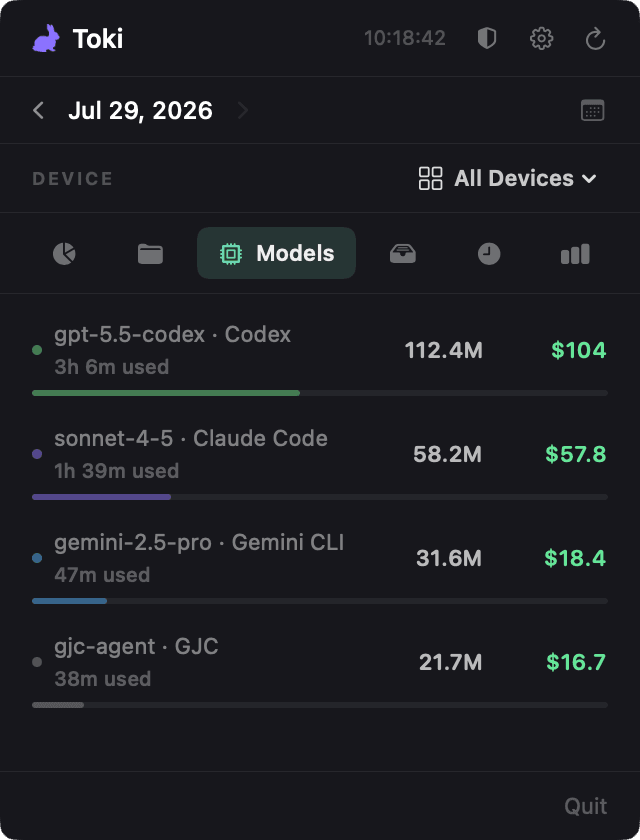
The agents—and models—you already use.
Toki reads the local usage stores of 18 agent tools and keeps every reported model ID in view—without asking you to reconstruct a workday from browser tabs and invoices.
- Claude Code
- Codex
- Hermes
- Cursor
- Gemini CLI
- GJC
- Factory Droid
- Amp
- Senpi
- Pi
- Oh My Pi
- Kimchi
- OpenCode
- OpenClaw
- Copilot CLI
- Kimi CLI
- Kimi Code
- Qwen CLI
Curated pricing covers Claude, GPT/Codex, Gemini, Grok, GLM, and Kimi; an automatic public catalog fills in more. Models without a known price still remain visible.
- Claude
- GPT & Codex
- Gemini
- Grok
- GLM
- Kimi
- Qwen
Your usage stays yours.
Local collection stays on-device. If you opt into Remote Sync, supported usage data is sent as an encrypted snapshot to your configured Hub; no hosted account is required for local use.
Put the whole run in view.
Download the free macOS release from GitHub and let Toki keep the activity behind your agents close at hand.
If macOS flags the unsigned app, clear quarantine once
xattr -dr com.apple.quarantine /Applications/Toki.app